
Reads the shops that turn programs away
Some shops refuse anything that is not a person. The extension opens the page in a tab in your own Chrome, waits for the price and stock to appear, reads them and closes the tab. It never solves a robot check.
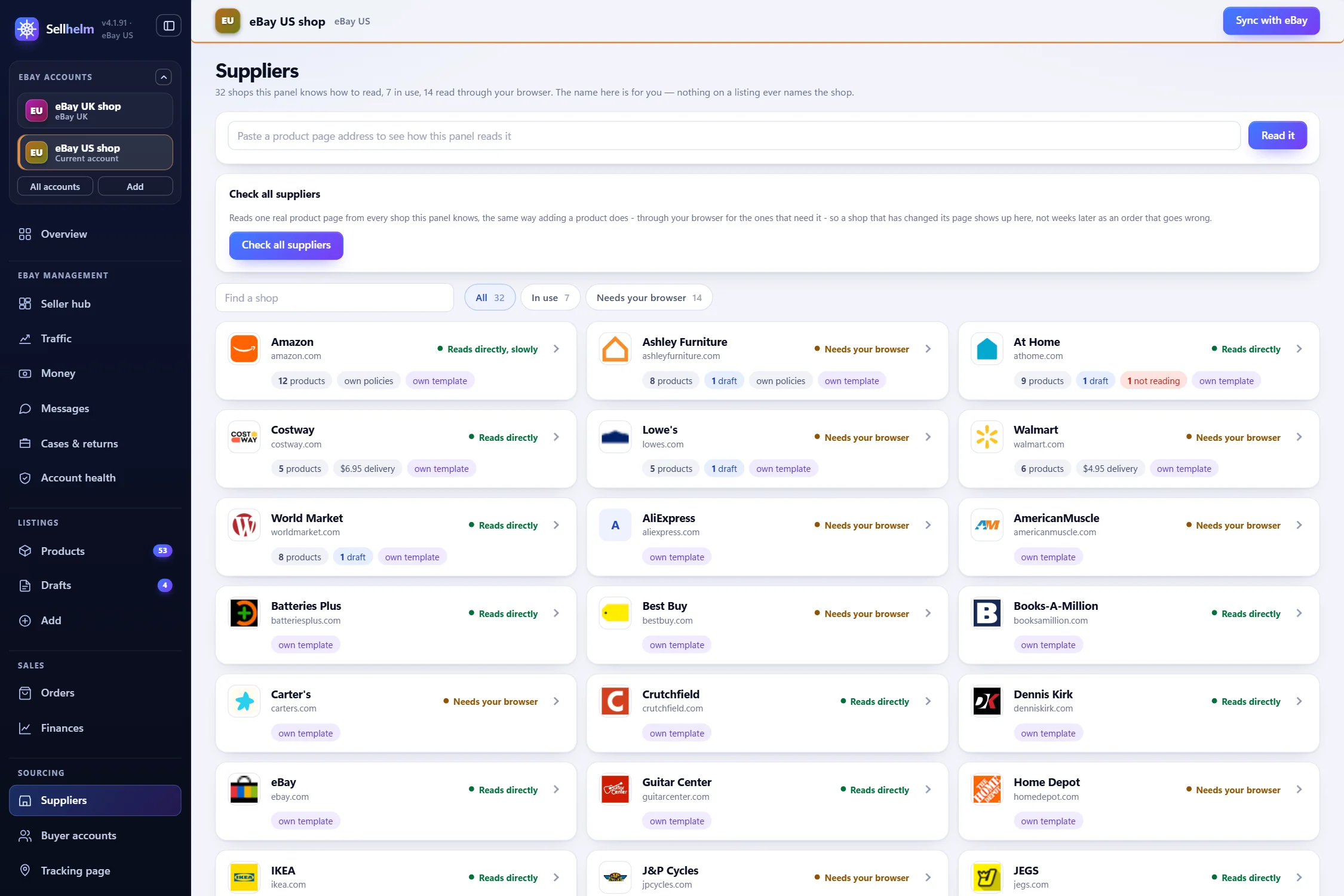
14shops need it
Some shops turn programs away. The extension reads them through your own Chrome instead, so 14 more shops work. Adding it takes about two minutes, once.
Add it in two minutesWhat it does
What it does
It is a short folder of files inside your Sellhelm folder, and you can open and read every one. Here is everything it is for.
Some shops refuse anything that is not a person. The extension opens the page in a tab in your own Chrome, waits for the price and stock to appear, reads them and closes the tab. It never solves a robot check.
On a supplier's product page, press the extension button and the page is sent to Sellhelm as a draft. It is how a shop that refuses the program still gets added.
Competitor research and product research read eBay's public pages and the shops through your Chrome, so the sold figures and Amazon's Prime lines are the ones a real visitor sees.
With the optional Tracking and auto orders add-on, it is the part that works inside each buyer account's own Chrome profile: basket, address, delivery, and stopping on the last page.
It only talks to Sellhelm's own page on your computer, from the port you set, and only for a short fixed list of jobs. Any other website is refused.
It wakes every couple of minutes to see if Sellhelm has pages waiting. Sellhelm can also nudge it, so a page you just sent does not wait.
Which shops
Without the extension these shops cannot be read. Every other shop on Sellhelm's list works without it.
 AmericanMuscle
 Ashley Furniture
 Carter's
 J&P Cycles
 Kohl's
 Petco
 Sweetwater
 Walmart
Add it
Chrome only adds an extension that is not in its store through Load unpacked. That sounds technical, but it just means “pick this folder”.
Type chrome://extensions into Chrome's address bar and press Enter. Or click the three dots at the top right, then Extensions, then Manage extensions.
Sellhelm's own guide has a button that opens this page for you.
The switch is at the top right of that page. Turn it on. Three buttons appear at the top left: Load unpacked, Pack extension and Update.
It is the first of the new buttons. A window opens asking you to choose a folder.
Windows hides this folder, so you paste its address in instead:
%LOCALAPPDATA%\Sellhelm\app\extension
Every Windows computer reads %LOCALAPPDATA% as “my own app data folder”, so it works for everyone as written. Copy it exactly, including the % signs.
manifest.json. Click Select Folder.Paste this, but change YOUR-NAME to your Windows user name. Not sure what it is? Open File Explorer, then This PC, Local Disk (C:) and Users: the folder with your name on it is your user name.
C:\Users\YOUR-NAME\AppData\Local\Sellhelm\app\extension
For example, if your user folder is called sam, it becomes C:\Users\sam\AppData\Local\Sellhelm\app\extension.
Sellhelm now appears on Chrome's page with its switch on. In Sellhelm, the guide's box turns green and the Getting started list on the Overview checks it off.
Finally, click the puzzle-piece icon in Chrome's toolbar and pin Sellhelm, so it is one click away.
Chrome may say “Disable developer mode extensions” each time it starts. That is normal for an extension added this way: choose to keep it.
After a Sellhelm update, press the small circular arrow on Sellhelm's card on the extensions page so Chrome picks up the new version. With more than one eBay account, add the extension in each account's Chrome profile and reload it there.
Is it safe
Questions
The common ones, with the fix. If yours is not here, ask us.
You chose the wrong folder. Choose the folder called extension itself, the one that has a file called manifest.json inside it. Sellhelm's "Open the folder" button (or the Start menu shortcut "Sellhelm Chrome extension folder") opens exactly the right one.
The folder is inside a hidden Windows folder called AppData. You do not need to browse to it: in Chrome's folder window, click in the address bar at the top, paste %LOCALAPPDATA%\Sellhelm\app\extension and press Enter. Or press "Copy the path" in Sellhelm's guide.
Turn on the Developer mode switch at the top right of Chrome's extensions page first. The button appears at the top left as soon as it is on.
That message appears for any extension added this way. Choose to keep it (close the message, or choose Cancel). Nothing is wrong.
Refresh Sellhelm's page (press F5) after adding it. Check the extension is switched on in the Chrome profile your eBay account opens in, and that Sellhelm is open in that Chrome. The extension finds its account's port by itself; only if you set the port by hand does the "Panel port" box in the extension need to match.
Open chrome://extensions and press the small circular arrow on Sellhelm's card. Chrome then loads the new version. You do not need to add it again. If you run more than one eBay account, each has its own Chrome profile, so do this in each one.
We test with Google Chrome, and that is what we support. Other Chromium browsers use the same idea on their own extensions page, but we have not tested them.
It runs only on the shop pages you have allowed and on Sellhelm's own page on your computer. The one exception is reselling another seller's eBay listing as a supplier: with no eBay keys saved, it can open that public eBay item page, never your eBay account or session. The whole extension is a small folder of files on your own computer that you can open and read.
Not yet. Until it is, Chrome's "Load unpacked" is the way to add it. It takes about two minutes, once.
From $99, once. Fourteen days to change your mind.